My Releases (Status)
Track your release through Draft, Review, Approved, Live, and Rejected. Includes takedown and post-cancellation rules.
- Author
- by Chema Rodriguez
- 7 months ago
Check your Catalog's Status
In the My Releases view, you can see all the music you have distributed through Chatmu and, more importantly, the exact stage of every release.
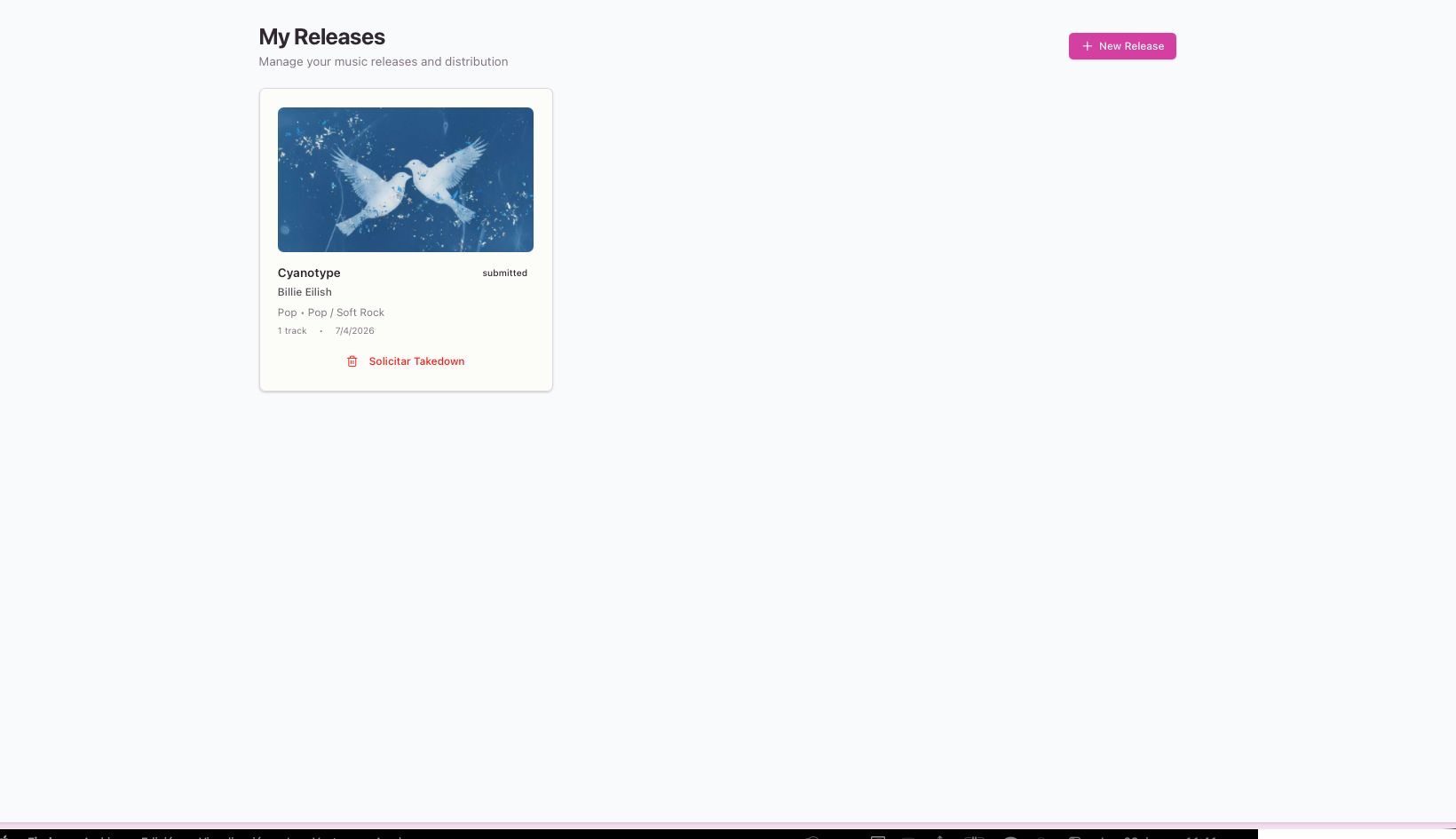
Release States:
📝 Draft: You are still working on it. It remains saved in your account but hasn't been sent for review yet.
⏳ Pending Review: You’ve submitted your music! Our Quality Control (QC) team is currently auditing the audio, metadata, and cover art.
❌ Rejected: Something needs fixing (e.g., text on cover, low audio quality). You will receive a notification with the exact error so you can fix and resubmit.
